RSVP by name
No email collection, passwords or app download. Guests find their household, answer your questions and send everything directly into your guest list.
Publish one beautiful link in minutes. Guests RSVP with their name, find their seat, follow the schedule and share photos—while every answer flows back into your PlanWed guest list.
Traditional website builders ask you to re-enter everything and remember to update it twice. Your wedding website is simply the guest-facing side of the plan you are already making—beautiful from the first publish, accurate after every change.
No email collection, passwords or app download. Guests find their household, answer your questions and send everything directly into your guest list.
Share ceremony, reception and transport timings in a calm schedule that stays current when your wedding-day plan changes.
Venue, maps, accommodation, dress code, registry and FAQ live together—so your messages are for excitement, not repeated logistics.
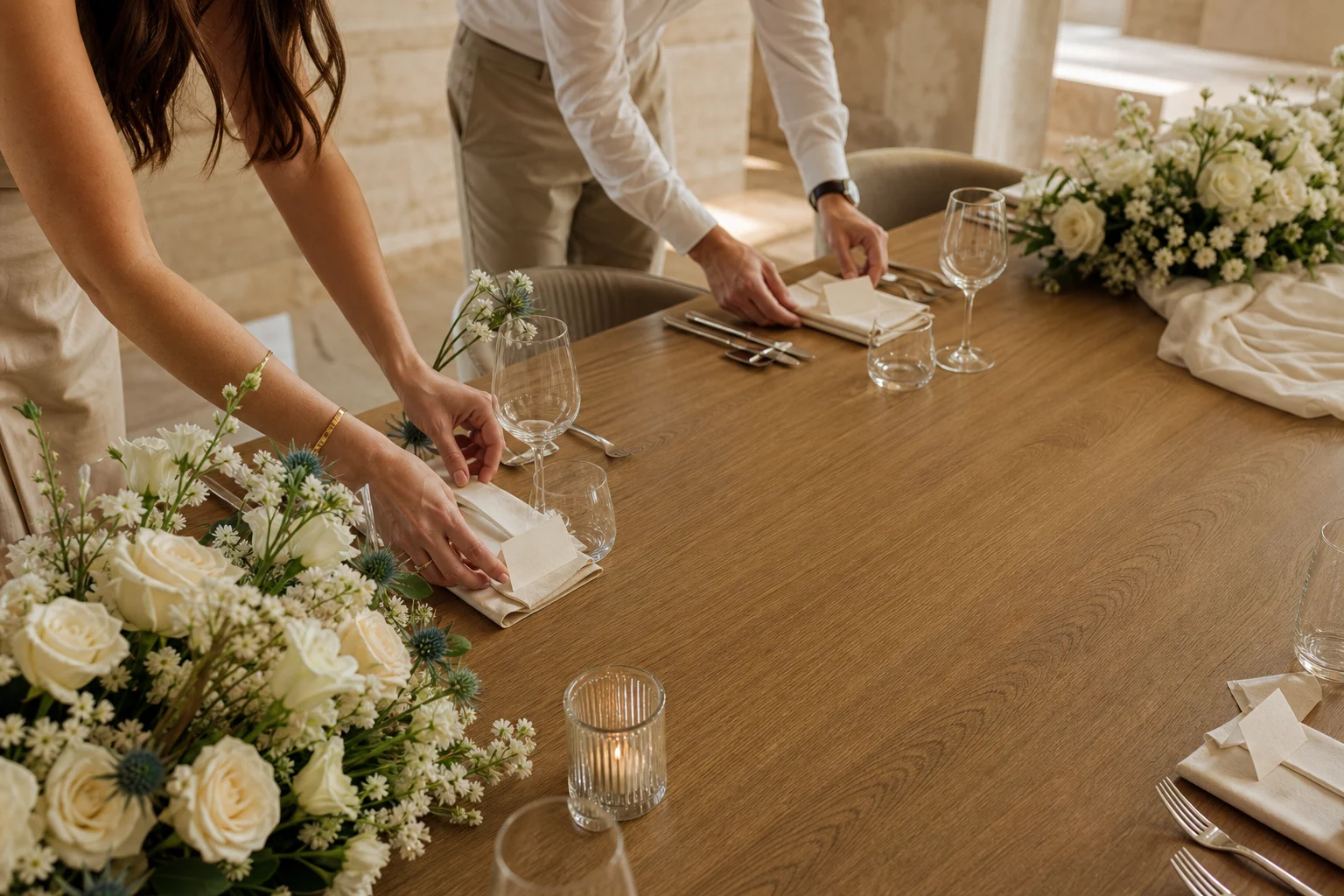
On the day, guests type their name and see their table instantly. Your seating changes remain connected right up to the reception.
After the party, the same page becomes the easiest place for guests to add their photos—every perspective in one private collection.
Use an optional passcode, control what appears, and share by direct link or a printable QR code on your invitations and tables.
The guest experience keeps working through the wedding day. A confirmed RSVP becomes a seat assignment, and that assignment becomes an instant answer at the reception.
Add your date, venue, guests and schedule in PlanWed—the work you are already doing together.
Select a theme, hide anything you do not need and add a private passcode if you want one.
Send it in a message or place its QR code on invitations. Guests need nothing else.
RSVPs, seat changes and guest photos return to the same wedding plan automatically.
Your wedding website is not a beautiful page sitting beside your wedding plan. It is the front door to it. Responses reach your list, confirmed guests become available for seating, and the latest schedule is always what guests see.
“We published our page in one evening and had RSVPs the next morning. Nobody asked us how it worked.”PlanWed couple
Free to publish, effortless for guests, and already connected to the wedding you are planning together.
Publish yours free →